Saving from TikTok
How to save TikToks so you can find them later
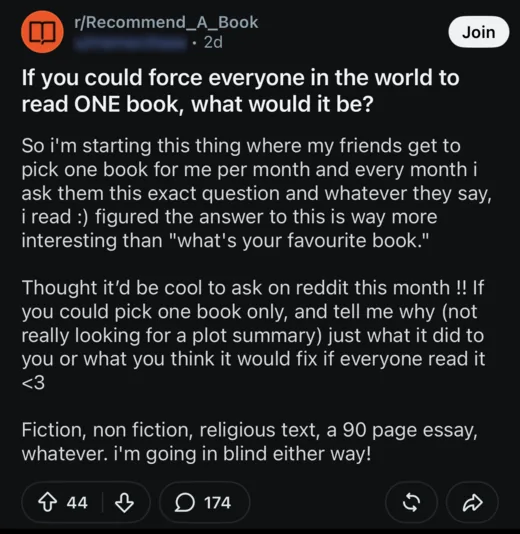
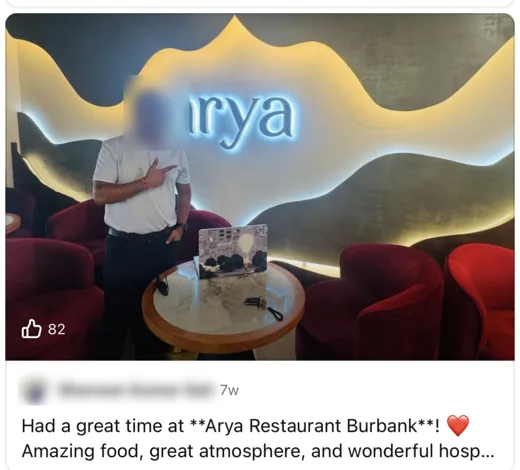
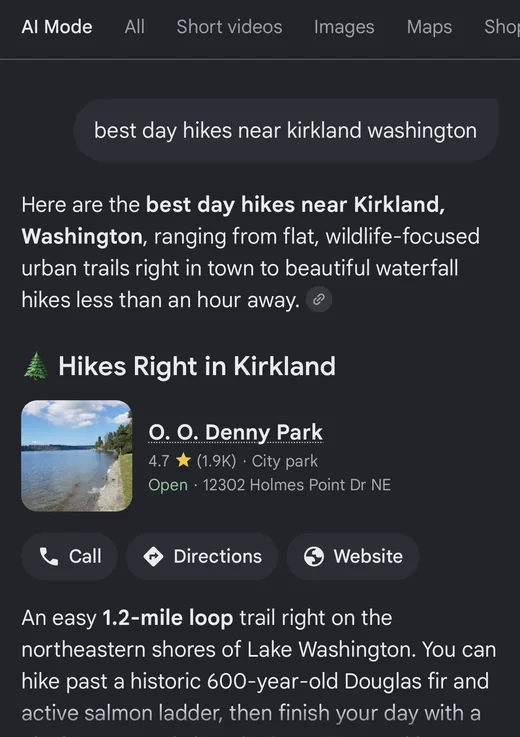
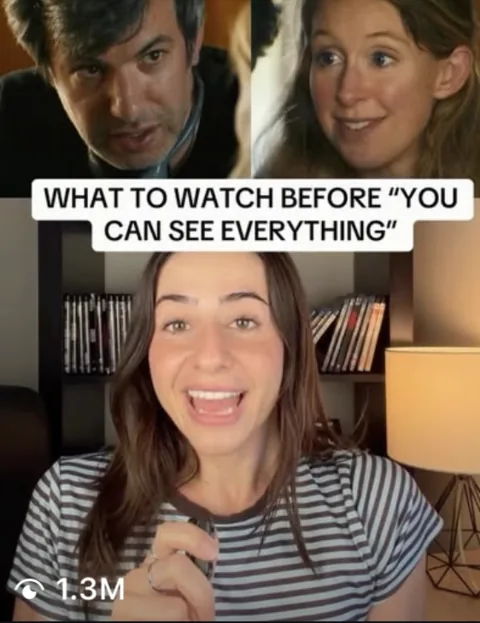
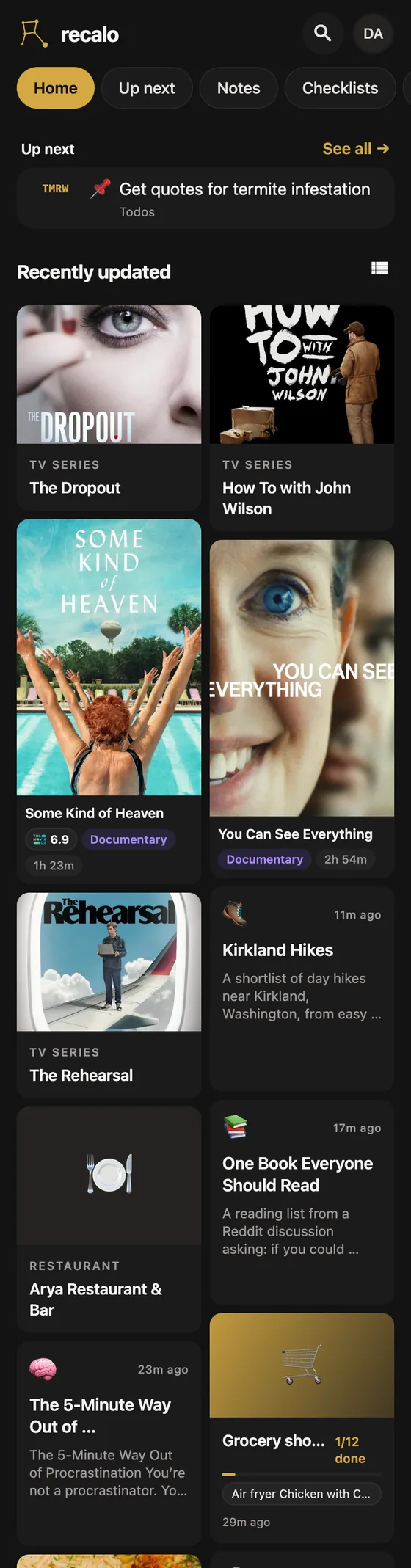
Share the TikTok to Recalo. It reads the caption, what's said in the video, the comments, and the text on each photo of a photo post, then saves what's in it: a recipe with its ingredients and steps, a restaurant or place, a book, a movie, or a note. Later, ask for it in your own words, in the app or from ChatGPT, Claude or Muse.












What you need
- Recalo on your iPhone or iPad. A free app that keeps what you save from other apps in one organized, searchable place. Download here. On Android or a computer, use the web app.
- The TikTok app. Nothing to connect.
- Optional: ChatGPT, Claude or Muse, to ask for your saves from there.
Save a TikTok in three steps
Works for videos and photo posts.
-
Tap Share on the TikTok.
Recalo shows up in your iPhone's share menu like any other app.
-
Choose Recalo and tap send.
Don't see Recalo? Scroll the row of apps to the end, tap More, and switch it on. On Android or a computer, copy the TikTok's link and paste it into the Recalo web app.
-
Recalo reads the whole post.
The caption, what's said in the video, the comments, and on a photo post, the text in each photo and what it shows. So a TikTok with no caption still saves.
What each kind of post becomes
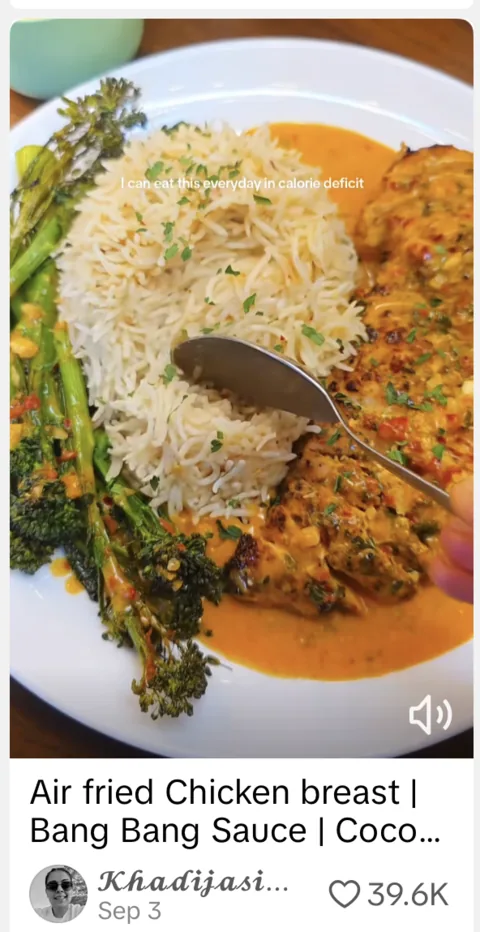
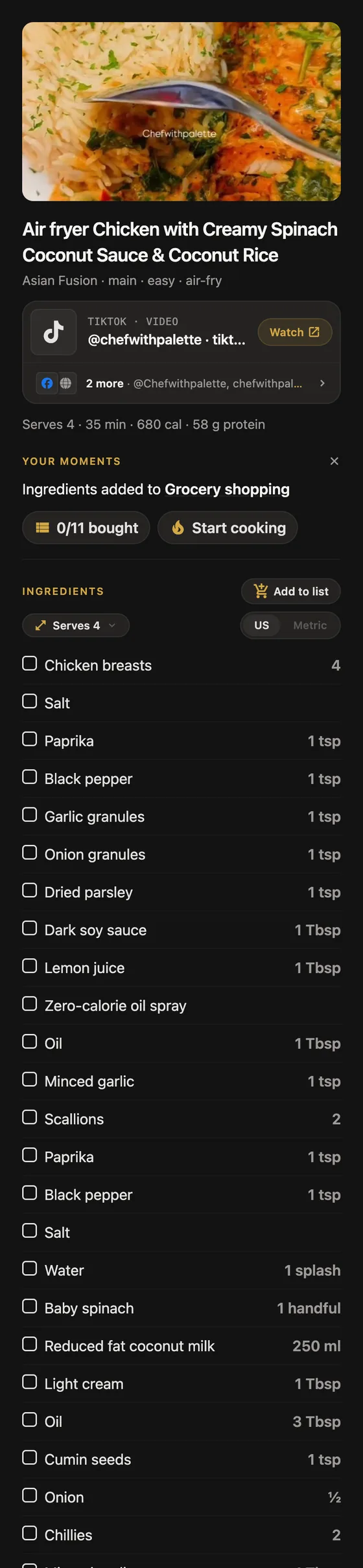
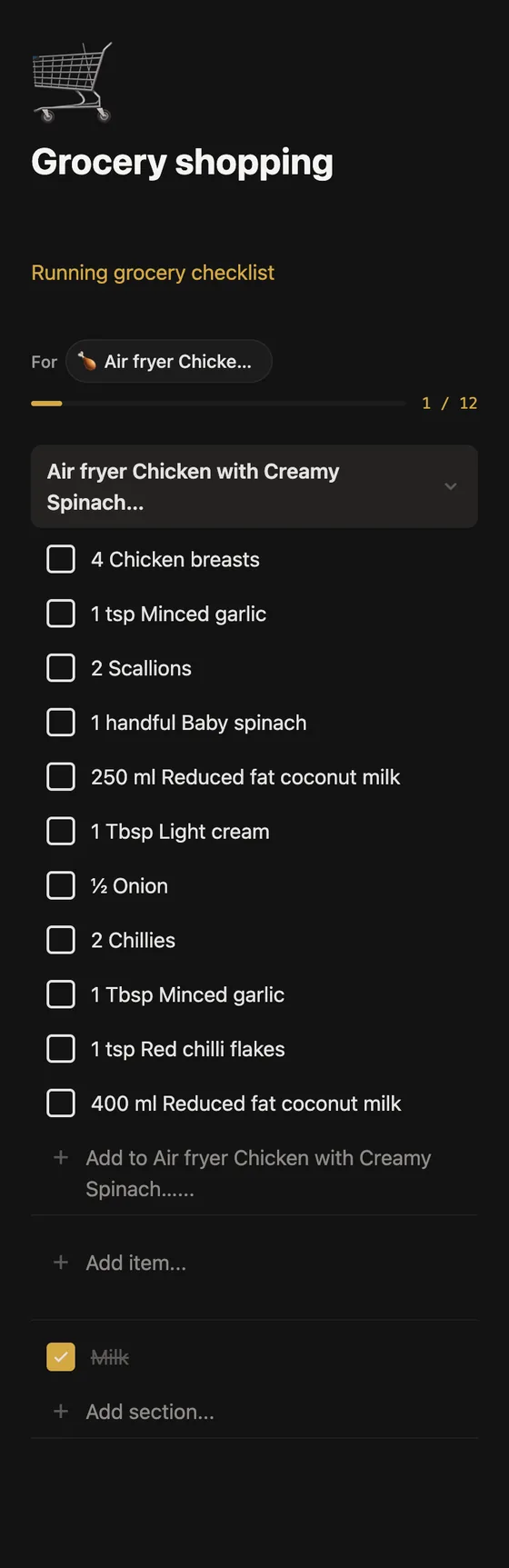
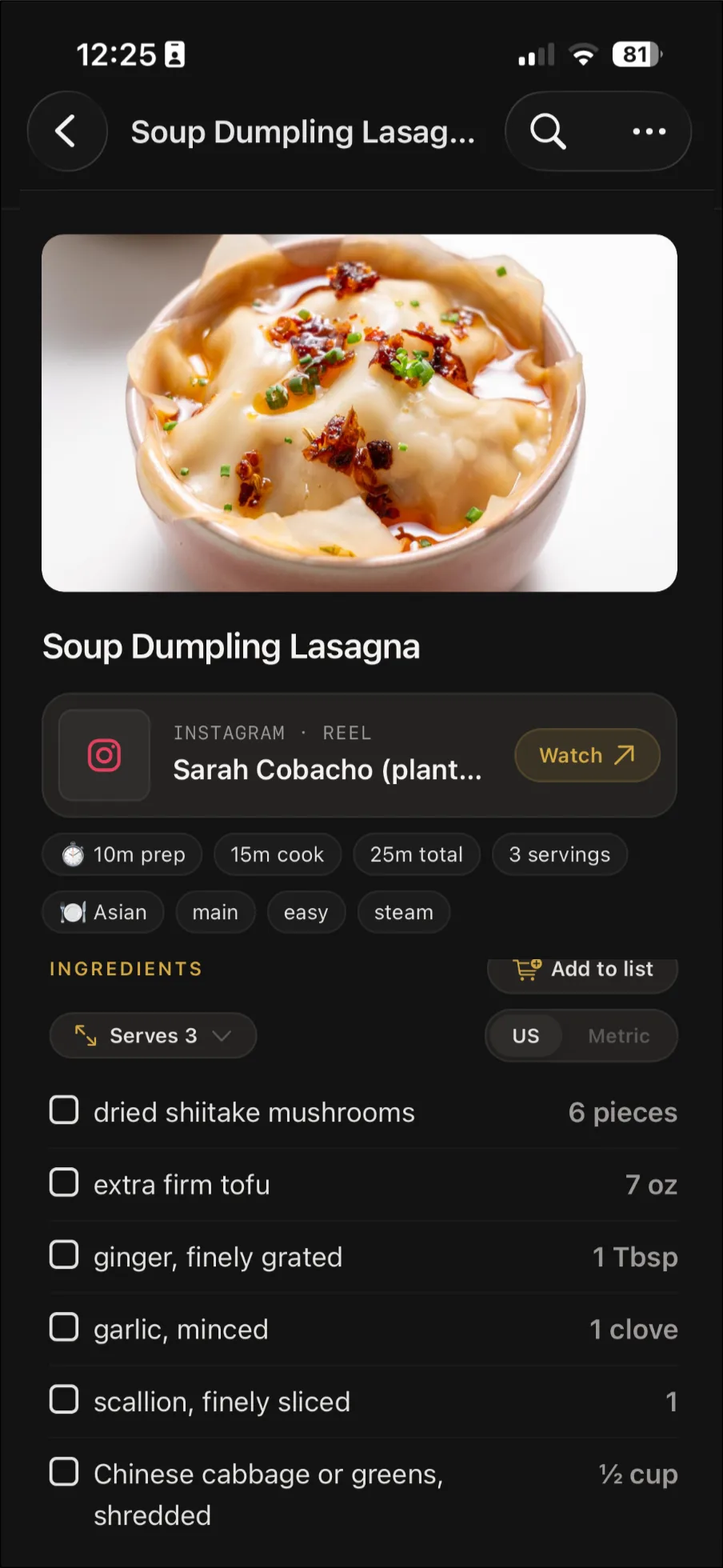
A recipe video gets its ingredients and steps
TikTok cooks often talk through the recipe as they go, or pin the amounts in a comment. Recalo picks it up from either. Once it's saved, double it for guests or flip the units between US and metric.
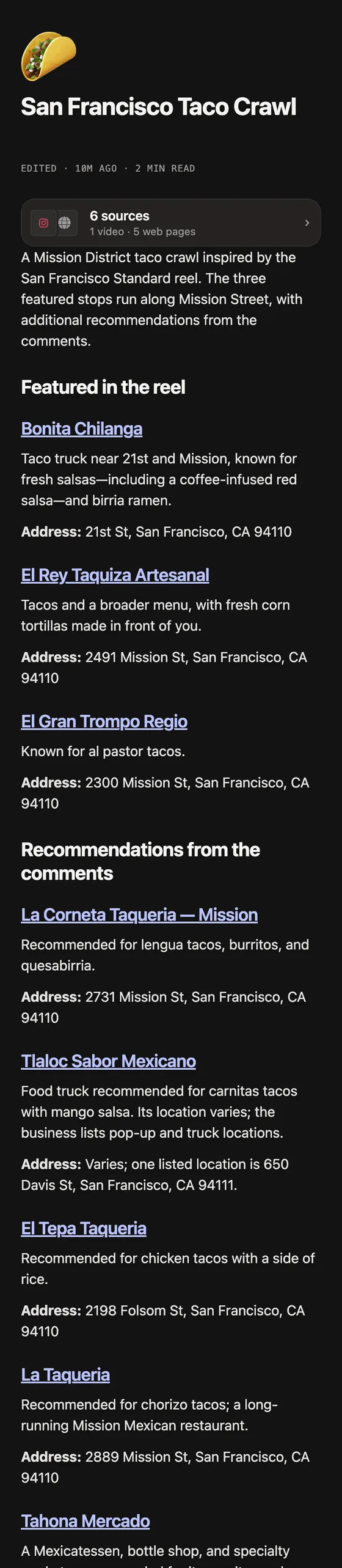
A "places to eat in Lisbon" video becomes a note
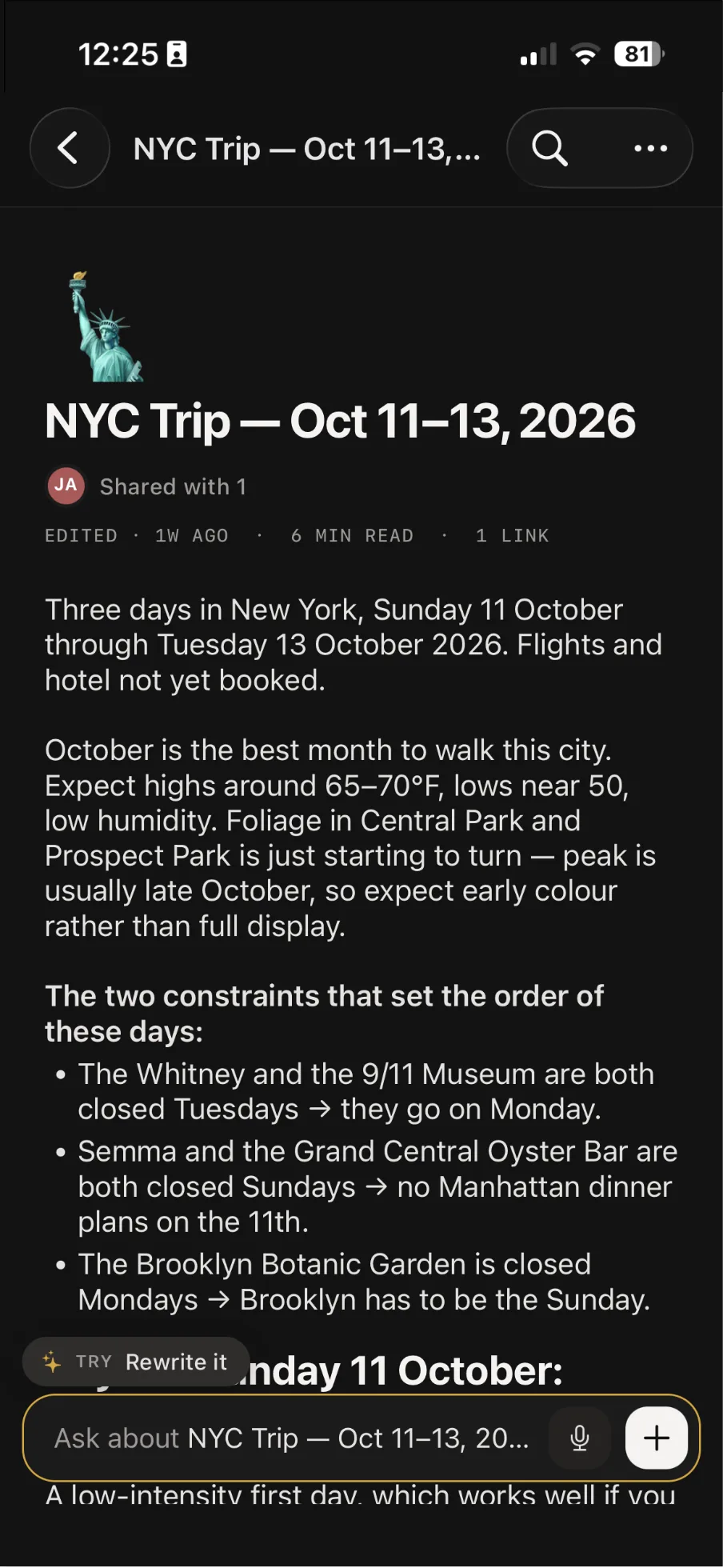
Every spot named in the video gets a line in the note with its website or Maps link, so the list is ready when you land.
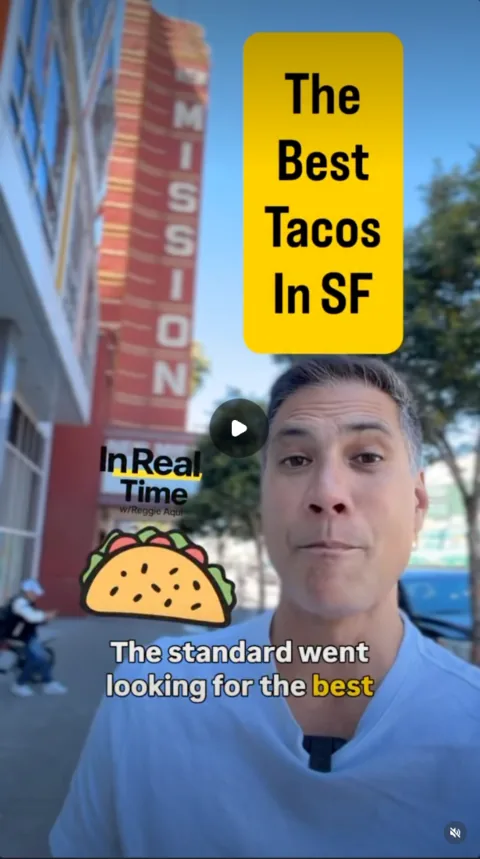
A single taqueria review is saved as a place
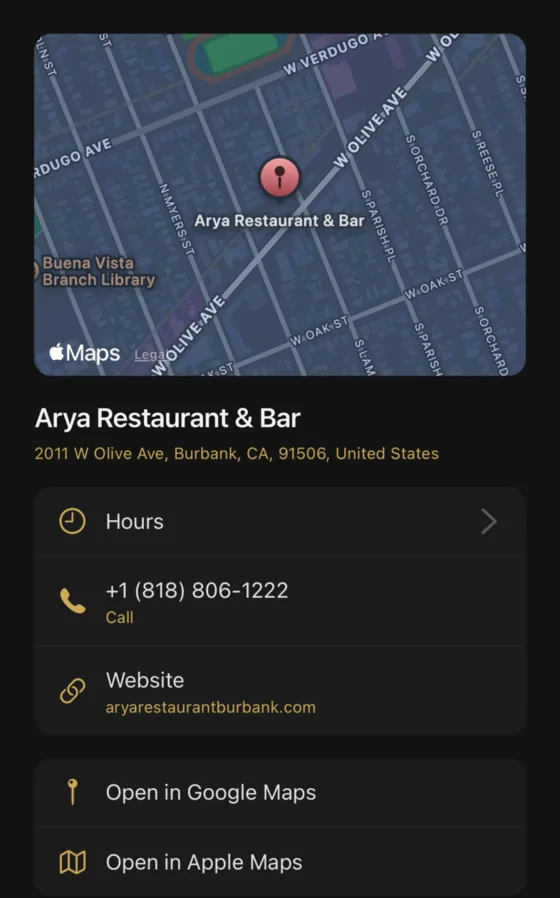
It comes with buttons to phone the taqueria and to find it in Apple or Google Maps.
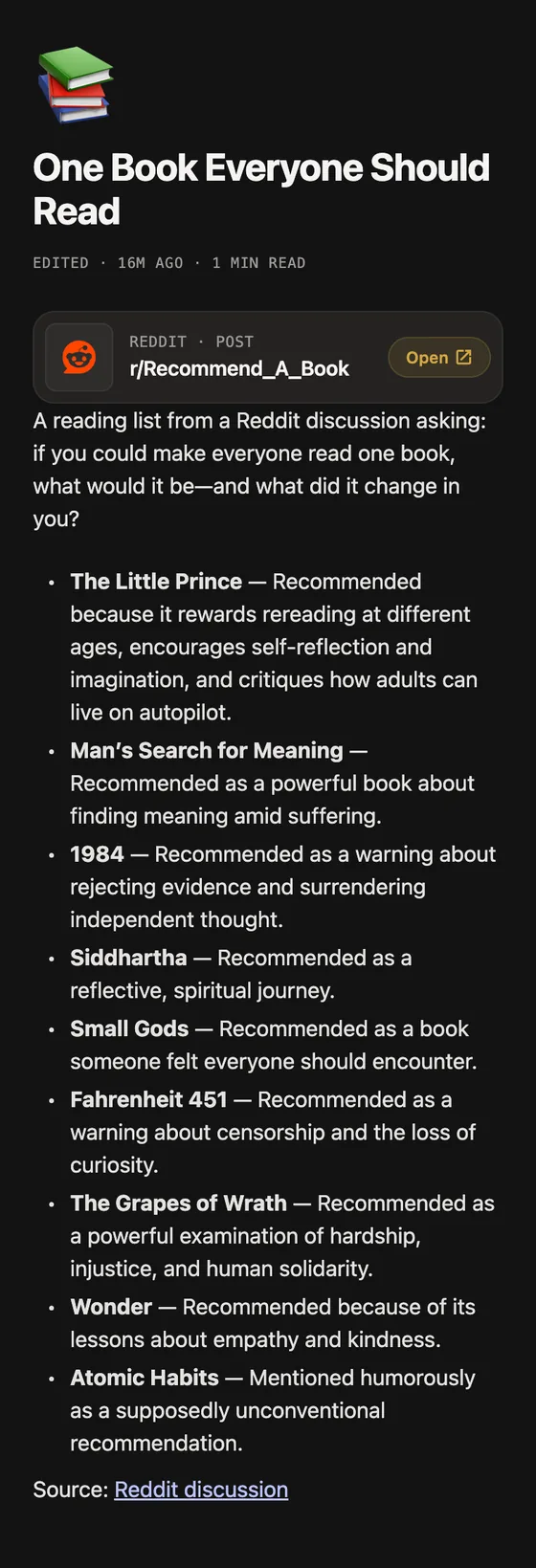
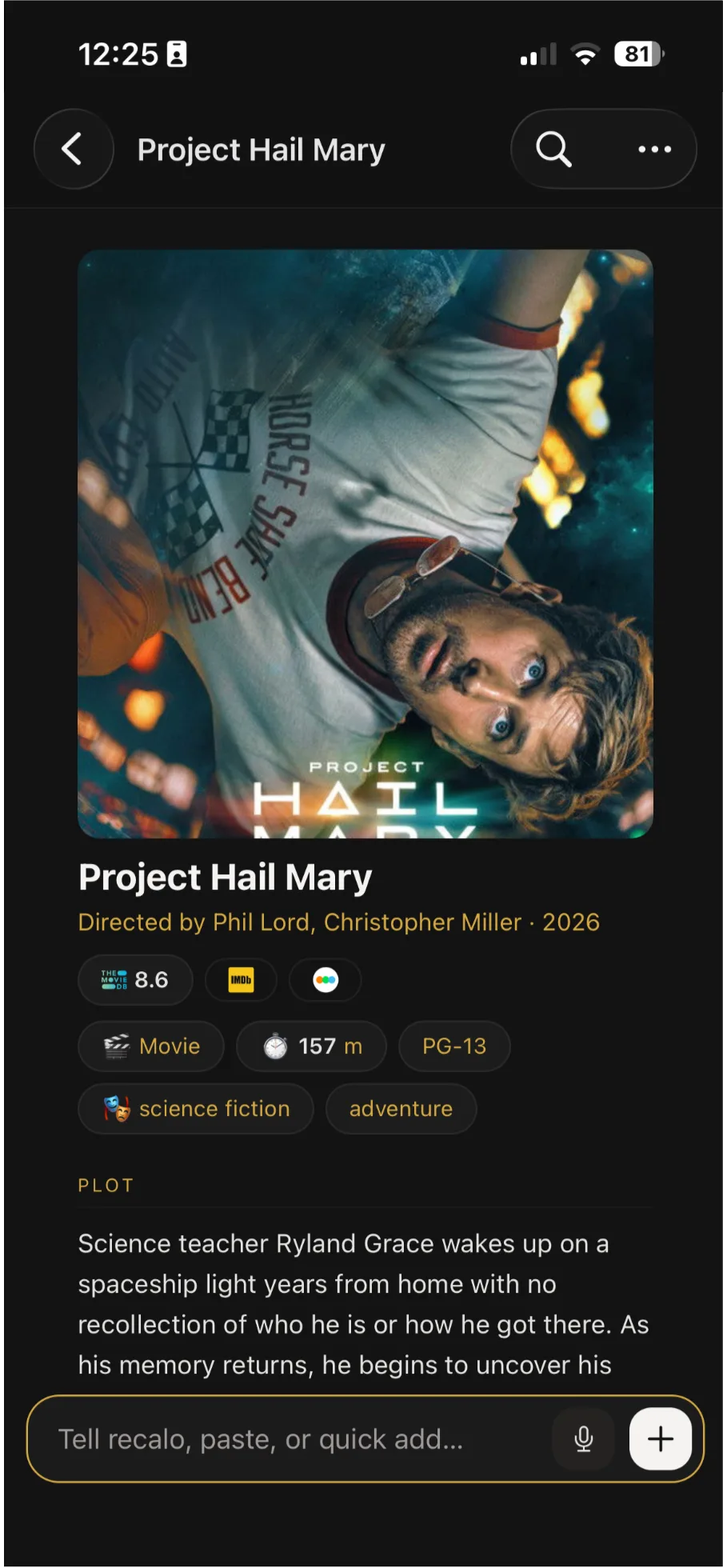
The book from a BookTok video is saved with your books
Cover and author come filled in. A "books that made me cry" roundup becomes a note linking each title, and you tell Recalo which ones to keep as books.
A photo post is read slide by slide
Recalo reads the text and what's shown on each photo, so a recipe card or a packing list spread across the slides comes through.
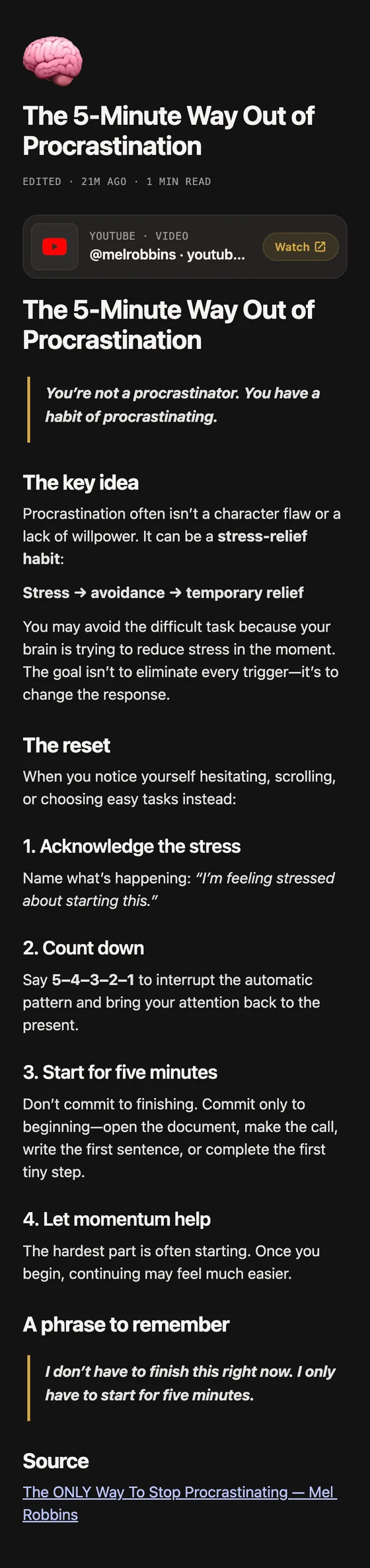
Hacks and routines are saved as notes
Cleaning hacks, a skincare routine, a gym split. Say the word and Recalo makes one a checklist that reminds you.
More on the same topic goes where it belongs
Already planning a Lisbon trip? Share a TikTok about a new stop, and you'll be asked whether to "Add it to Lisbon trip" or "Save it on its own". A to-do from it lands on the matching checklist.
TikTok's Favorites, and where it stops
TikTok's Favorite button sits on the side of every video, and what you favorite goes to your Favorites, which only you can see. Books from book links get their own Books tab there. Save video in the Share menu downloads a copy to your phone, if the creator allows downloads.
But TikTok's help pages don't document a search in Favorites, and you keep the video, not the recipe or address in it. Using both works fine: keep Favorites for rewatching, and share what you want to use to Recalo.
Tips for TikTok
- Going with friends? Send them the note of spots by link or email, and let them view it or edit it with you.
- Keep favoriting what you want to rewatch. Recalo keeps the link either way, so you can get back to the video.
Where the facts come from
- TikTok Help Center: favoriting content, your favorite books, saving videos to your device. Checked October 9, 2026.
Comparing apps?
Mostly restaurants and travel? See apps to save places from Instagram and TikTok, compared. Mostly food? See recipe apps compared.
Saving from somewhere else? Recalo also saves from Instagram, YouTube, Reddit and Facebook.
Good to know
iPhone and iPad. Sharing from TikTok works in the iPhone and iPad app. On Android or a computer, paste the link into the web app.
Free to start. Recalo is free to download. Importing uses AI, so regular use needs Recalo Pro, $3.49 a month or $34.99 a year. What you've saved stays yours to search either way.
Questions
How do I save recipes from TikTok?
Share the TikTok to Recalo. It saves the recipe with its ingredients and steps, even when they're only said in the video.
How do I save restaurants from TikTok?
Share it to Recalo. One restaurant is saved as a place that opens in Apple or Google Maps, and a TikTok with a list of spots becomes a note with each one linked to Maps.
Do TikTok photo posts work?
Yes. Recalo reads the text on each photo and what it shows, so a recipe or list written on the photos comes through.
Can I search my TikTok favorites?
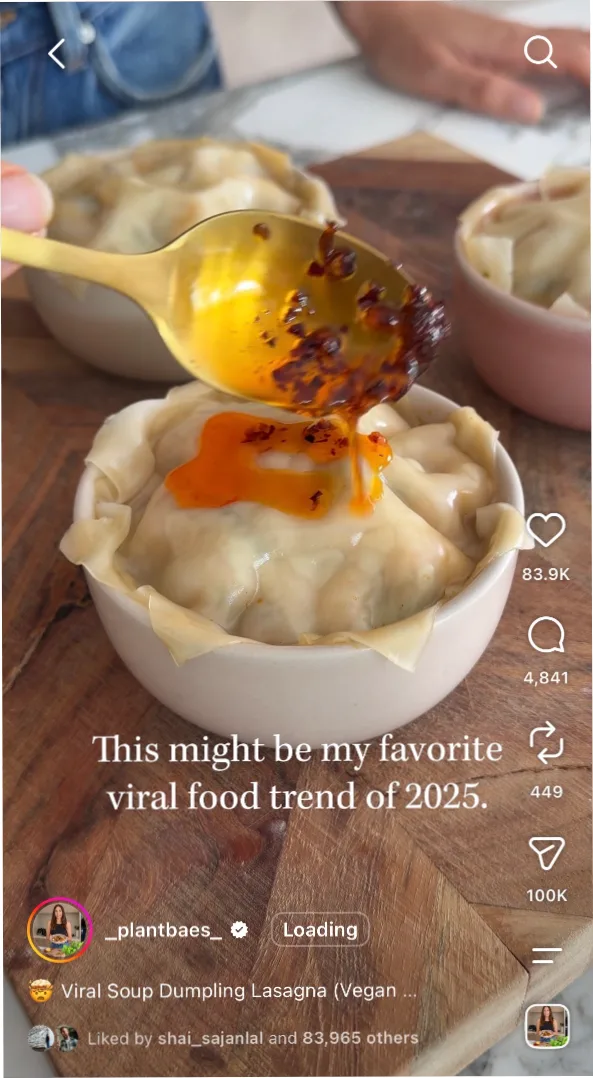
TikTok's help pages don't document a search in Favorites. In Recalo, ask for what you saved in your own words, like "that dumpling recipe from TikTok".
Does Recalo download the TikTok video?
No. Recalo holds on to the link and saves what's in the TikTok. TikTok's own Save video downloads a copy to your phone, and only when the creator allows it.
Can I save the book from a BookTok video?
In TikTok, a book link on the post lets you add the book to Favorites, under Books. Shared to Recalo, it joins your books, cover and author filled in.
Does a TikTok with no caption still save?
Yes. What's said out loud counts, and so do the top comments.